Hubs
Join-to-create voice channels that clean themselves up.
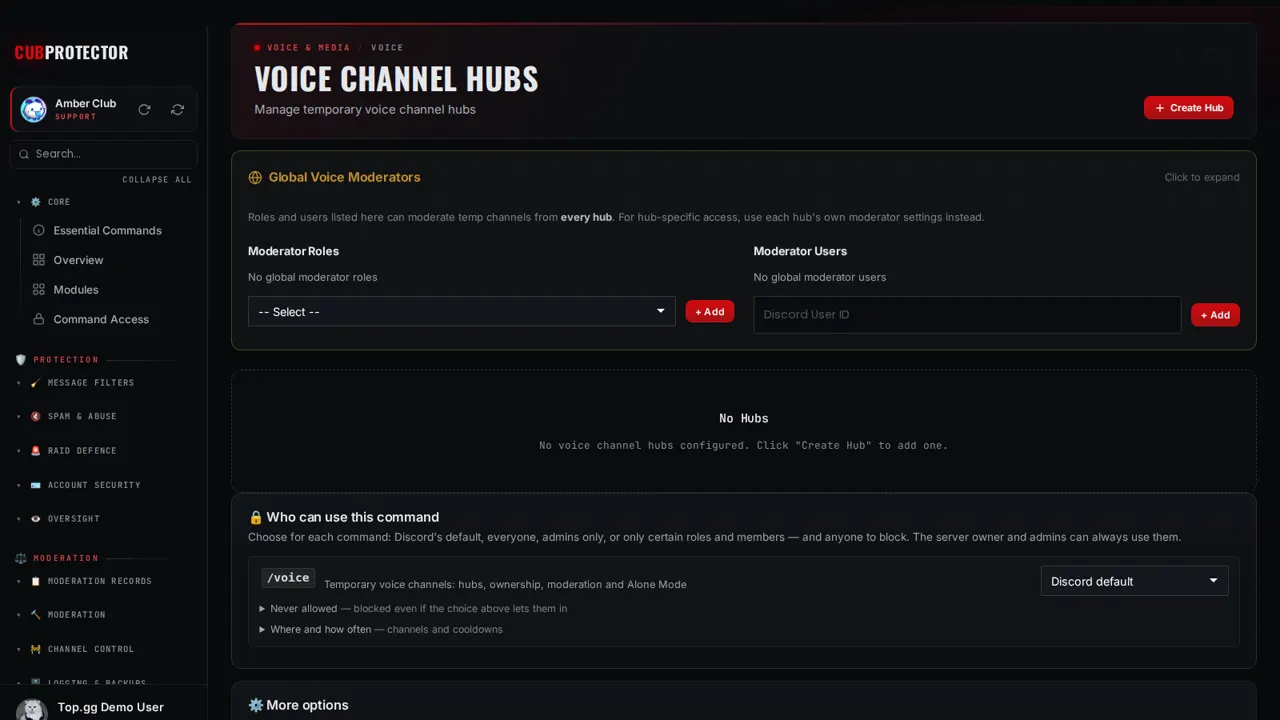
Switch it on in a minute
Add CUB PROTECTOR to your server. You need Manage Server there.
Sign in at dashboard.cubsoftware.site and pick your server.
Go to Modules, find it under Voice, and switch it on.
Open Hubs in the sidebar and choose your settings. Changes apply within seconds.
Commands
/voiceTemporary voice channels: hubs, ownership, moderation and Alone Mode
/voice setup— Create a temporary voice channel hub/voice hubsettings— View or modify hub settings/voice hubdelete— Delete a temporary voice channel hub/voice hubmoderator— Add or remove a moderator role or user for a hub/voice hubignored— Add or remove an ignored role for a hub/voice lock— Lock your temporary voice channel (no new users can join)/voice unlock— Unlock your temporary voice channel/voice hide— Hide your temporary voice channel from everyone/voice reveal— Reveal your temporary voice channel to everyone/voice limit— Change the user limit of your temporary voice channel/voice rename— Rename your temporary voice channel/voice claim— Claim ownership of an abandoned temporary voice channel/voice transfer— Transfer ownership of your temporary voice channel/voice owner— Check who owns the current temporary voice channel/voice alone— Keep a voice channel to yourself — anyone else who joins is disconnected/voice clean— Delete all inactive temporary voice channels (moderator only)/voice allow— Allow a specific user to see and join your hidden voice channel/voice reject— Remove a user's permission to see/join your voice channel/voice ban— Ban a user from your temporary voice channel/voice unban— Unban a user from your temporary voice channel/voice kick— Kick a user from your temporary voice channel/voice modrole— Add or remove a global voice moderator role/voice moduser— Add or remove an individual voice moderator/voice mods— View all global voice moderator roles and users
Questions
Is Hubs free?
Yes. Hubs and all 148 CUB PROTECTOR features are 100% free. There's no premium tier, no paywalled limits and no ads.
Is it on by default?
No. Every feature starts switched off, so your server only gets what you choose. Switch it off again any time from Modules.
Can I choose who uses it?
Yes. Every page has a "Who can use this" card: Discord's default, everyone, admins only, or only the roles and members you pick, plus channels, cooldowns and a block list.
Where do I get help?
Ask in the CUB SOFTWARE support server, or use the CUB Helper at the bottom-right of the site.